
Shop
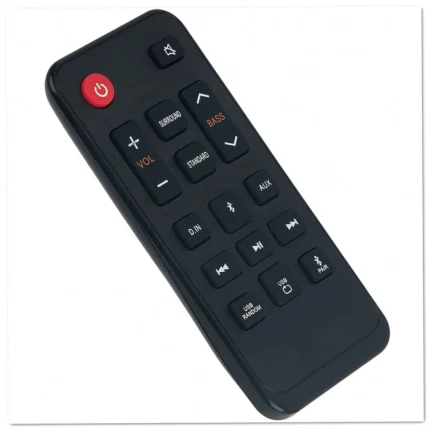

Samsung AH81-11699A Sound Bar Remote Control Replacement
- Replacement remote: AH81-11699A part number designed for Samsung sound bar systems requiring a new controller for full operation.
- Compatible models: Works with 8 Samsung sound bars including HW-A40R, HW-T400, HW-T40M, HWA40RZA, HWT400XL, and HWT400XU systems.
- Ready to use: Simply insert batteries and start controlling volume, input selection, and sound modes without any programming required.
- Identical layout: Features the same button configuration and functions as the original remote that came with your sound bar.
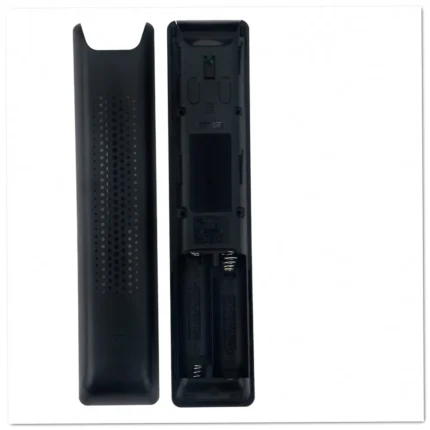
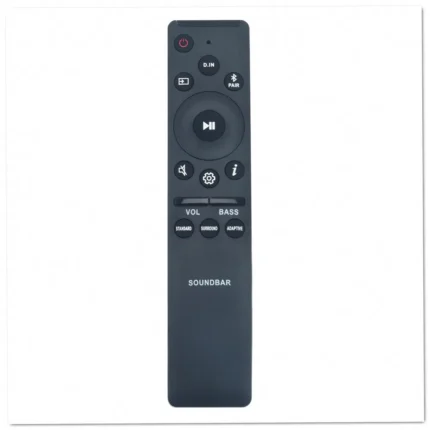
Samsung AH81-12825A Sound Bar Remote for HW-LST70T
- Replacement remote: AH81-12825A part number designed specifically for Samsung sound bar speaker systems, restoring full functionality to your audio setup.
- Compatible models: Works seamlessly with HW-LST70T and HW-LST70T/ZA sound bar systems without any configuration required.
- Identical button layout: Features the same key arrangement and functionality as your original Samsung sound bar remote control.
- Ready to use: Simply insert batteries and start controlling your sound bar immediately—no programming or pairing steps necessary.
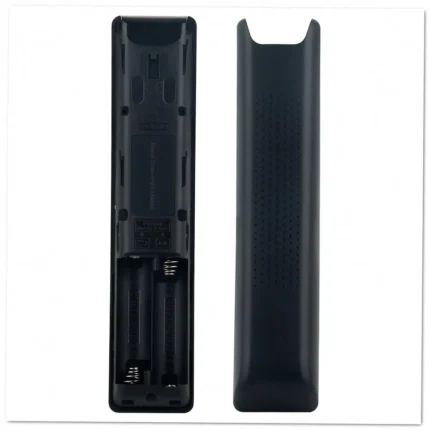
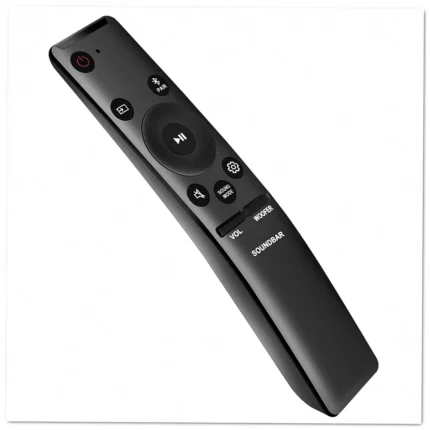
Samsung AH81-13358A Sound Bar Remote Control Replacement
- Replacement remote: AH81-13358A part number designed specifically for Samsung sound bar systems with full button functionality and layout.
- Compatible with 33 models: Works with HW-A430, HW-A450, HW-A470, HW-A550, HW-N450, HW-N550, and 27 additional Samsung sound bar variants.
- Ready to use: Simply insert batteries and start controlling your sound bar immediately without any programming or complex setup procedures.
- Identical button configuration: Matches the original remote's key placement for intuitive operation of volume, input selection, and audio settings.


Samsung AH81-15047A Sound Bar Remote for HW-B430 HW-B450
- Replacement remote: AH81-15047A and AH81-15498A part numbers designed specifically for Samsung sound bar systems with full button functionality.
- Works with 42 models: Compatible with HW-B430, HW-B43C, HW-B43M, HW-B440, HW-B450, HW-B45E, and 36 additional Samsung sound bar configurations.
- Ready to use: Simply insert batteries and start controlling your sound bar immediately without any programming or setup procedures required.
- Identical layout: Features the same button arrangement and control functions as your original Samsung sound bar remote for familiar operation.
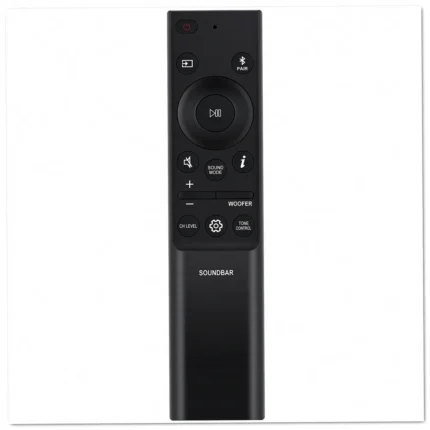

Samsung AH81-15047A Sound Bar Remote HW-B430 HW-B450
- Replacement remote: AH81-15047A and AH81-15498A part numbers designed specifically for Samsung sound bar systems with full function control.
- Works with 42 models: Compatible with HW-B430, HW-B43C, HW-B43M, HW-B440, HW-B450, HW-B45E, and 36 additional Samsung sound bar configurations.
- Ready to use: Simply insert batteries and start controlling your sound bar immediately without any programming or complex setup procedures.
- Identical button layout: Matches the original remote's key placement so you can navigate volume, input selection, and sound modes effortlessly.


Samsung AH81-15047A Sound Bar Remote HW-B430 HW-B450
- Replacement remote: AH81-15047A and AH81-15498A part numbers for Samsung sound bar systems, restoring full control over audio settings and playback functions.
- Wide compatibility: Works with 42 Samsung sound bar models including HW-B430, HW-B43C, HW-B440, HW-B450, HW-B45E, and HW-B43M for versatile use across product lines.
- No programming required: Insert batteries and start using immediately without any setup procedures or button combinations to memorize.
- Complete button layout: Features all original controls for volume, input selection, sound modes, bass adjustment, and power functions.

Samsung AK59-00011K DVD Player Remote Replacement
- Replacement remote: AK59-00011K part number designed specifically for Samsung DVD players, restoring full functionality to your entertainment system.
- Works with 18 models: Compatible with DVD-HD755, DVD-P140, DVD-P142, DVD-P144, DVD-P146, DVD-P146B, DVD-P240, DVD-P243, and more Samsung DVD players.
- Ready to use: No programming or setup required—simply insert batteries and start controlling your DVD player immediately.
- Identical button layout: Features the same key configuration as your original remote for familiar, intuitive operation.

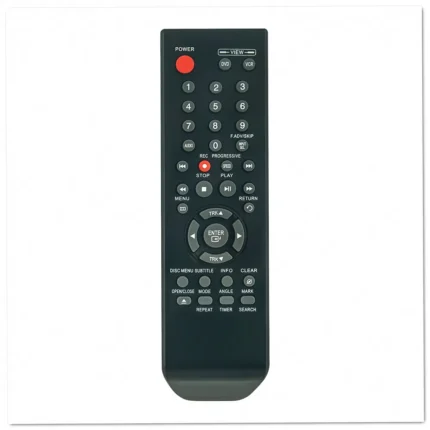
Samsung AK59-00051B DVD Player Remote Control Replacement
- Replacement remote: AK59-00051B part number designed for Samsung DVD and Blu-ray players, restoring full functionality to your entertainment system.
- Wide compatibility: Works with 7 Samsung models including DVD-V5650, DVD-V6700, DVD-V6700S, and DVD-V5650B players right out of the box.
- No programming required: Simply insert batteries and start using immediately—no complex setup or code entry needed for operation.
- Complete button layout: Features all original functions including play, pause, stop, chapter navigation, and menu controls for seamless operation.


Samsung AK59-00051B DVD Player Remote Control Replacement
- Replacement remote: AK59-00051B part number (also listed as 00051B) designed for Samsung DVD and Blu-ray players with full functionality restored.
- Compatible models: Works with DVD-V5650, DVD-V5650B, DVD-V6700, DVD-V6700S, NDVD-V6700, and V6700-XAC Samsung DVD players without programming required.
- Complete button layout: All original functions including play, pause, stop, menu navigation, and disc tray controls match your factory remote.
- Ready to use: Simply insert batteries and start controlling your Samsung DVD player immediately—no pairing or setup steps needed.
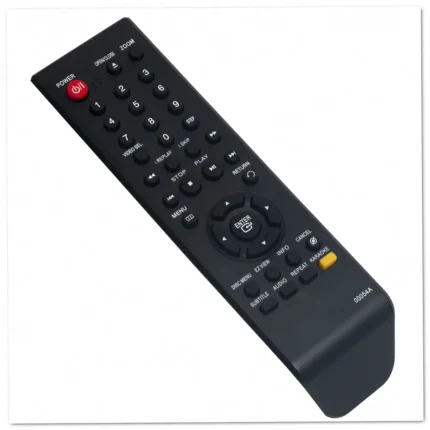
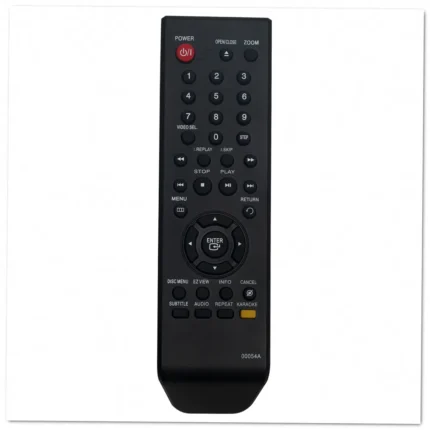
Samsung AK59-00054A DVD & Blu-ray Player Remote Control
- Replacement remote: AK59-00054A part number for Samsung DVD and Blu-ray players, restoring full functionality to your entertainment system.
- Works with 11 models: Compatible with DVD-260K, DVD-361K, DVD-P260K, DVD-P270K, DVD-P360K, DVD-P361K, and five additional Samsung players.
- Ready to use immediately: No programming or setup steps required—just insert batteries and start controlling your DVD player right away.
- Identical button layout: Matches the original remote's key arrangement, making operation familiar and intuitive from the first use.
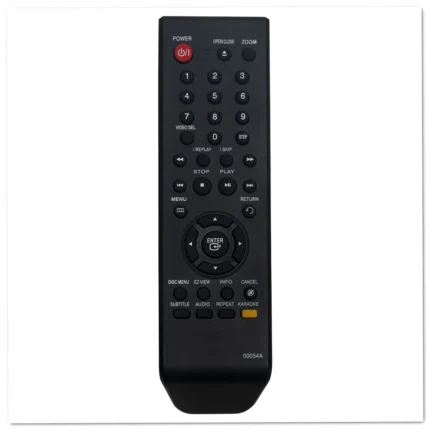

Samsung AK59-00054A DVD Player Remote Replacement
- Replacement remote: AK59-00054A part number designed specifically for Samsung DVD and Blu-ray players with identical button configuration and functionality.
- Compatible with 11 models: Works with DVD-260K, DVD-361K, DVD-P260K, DVD-P270K, DVD-P360K, DVD-P361K, and 5 additional Samsung DVD players.
- Ready to use: Simply insert batteries and start controlling your DVD player immediately without any programming or setup required.
- Full feature access: Operates all playback functions including play, pause, stop, skip, menu navigation, and settings on your Samsung DVD player.
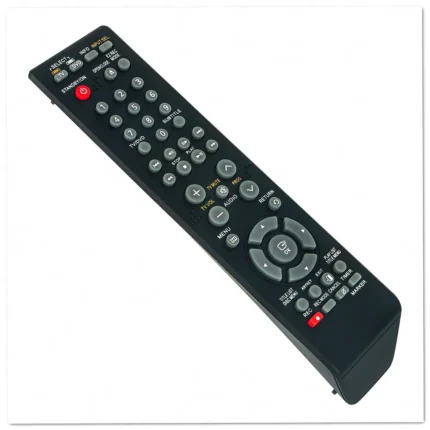
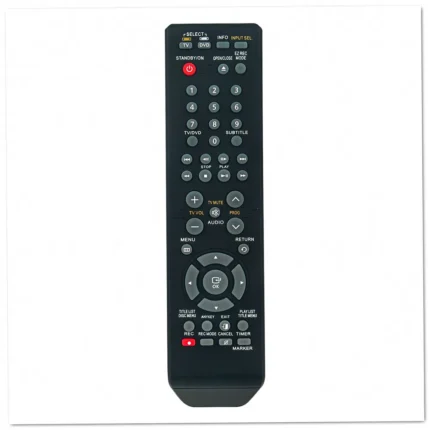
Samsung AK59-00061A DVD Recorder Remote Replacement
- Replacement remote: AK59-00061A part number for Samsung DVD recorders, restoring full control of playback, recording, and menu navigation functions.
- Compatible with 13 models: Works with DVD-R120, DVD-R121, DVD-R128, DVD-R129, DVD-R130, DVD-R131, DVD-R150, DVD-R155, and other Samsung DVD recorders.
- Ready to use immediately: No programming or setup required—simply insert batteries and start operating your Samsung DVD recorder right away.
- Identical button layout: Same key arrangement and functions as your original remote, making operation familiar and intuitive from the first use.