
Shop
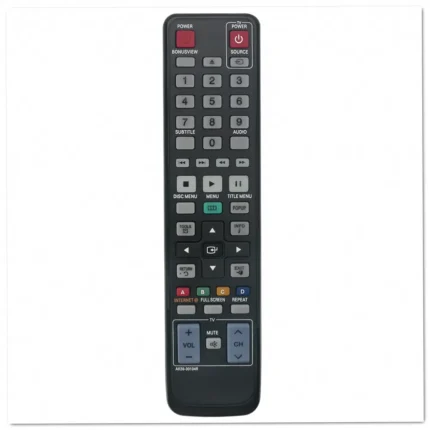
Samsung AK59-00104R Blu-ray DVD Player Remote Control
- Replacement remote: AK59-00104R part number for Samsung Blu-ray and DVD players, restoring full control of your home theater system.
- Compatible with 27 models: Works with BD-C5300, BD-C5500, BD-C6500, HT-D4500, HT-D5130, HT-D5210, and more Samsung Blu-ray players.
- Ready to use: Insert batteries and start controlling playback, menus, and settings immediately without any programming required.
- Identical button layout: Matches your original remote's design with all the same keys in familiar positions for effortless operation.


Samsung AK59-00113A Blu-ray DVD Remote Replacement
- Replacement remote: AK59-00113A part number designed for Samsung Blu-ray and DVD players with identical button layout and functionality
- Compatible models: Works with BD-D5250C, BDD5250CZA, BDD5300, and other Samsung Blu-ray players requiring this part number
- Ready to use: Simply insert batteries and start controlling your player immediately without programming or complex setup procedures
- Full function access: Operates all standard playback controls including play, pause, stop, menu navigation, and disc tray functions

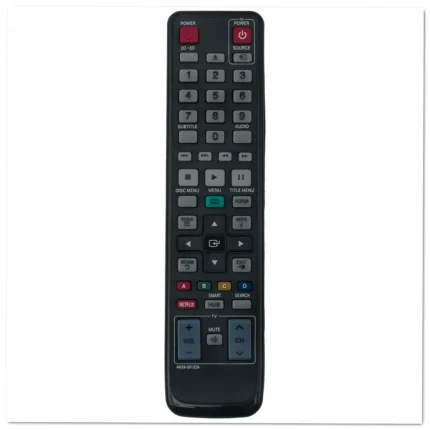
Samsung AK59-00122A Blu-ray Player Remote Replacement
- Replacement remote: AK59-00122A part number designed for Samsung Blu-ray players, restoring full functionality to your home entertainment system.
- Works with 6 models: Compatible with BD-D5500, BD-D5700, BD-D6700, BD-D7000, BD-D7500, and TM1052 Blu-ray players.
- Ready to use: Simply insert batteries and start controlling your player immediately—no programming or complex setup required.
- Complete button layout: Features all necessary controls including playback, navigation, menu access, and disc functions for seamless operation.
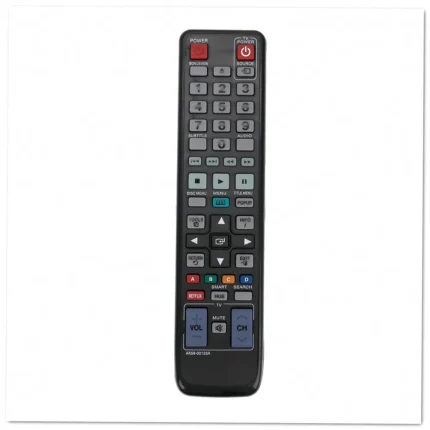
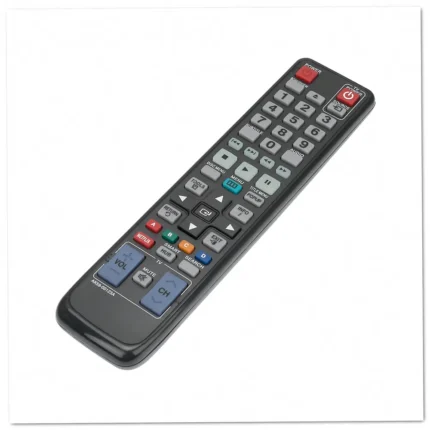
Samsung AK59-00123A Blu-ray DVD Player Remote Control
- Direct replacement: AK59-00123A remote control designed specifically for Samsung Blu-ray and DVD players, restoring full functionality to your entertainment system.
- Works with 13 models: Compatible with BD-D5490, BD-D5500, BD-D5500C, BD-D5700, BD-D6100C, BD-D6500, and seven additional Samsung Blu-ray players.
- Ready to use: No programming or setup required—simply insert batteries and start controlling your player immediately with all original functions.
- Identical button layout: Features the same key arrangement and labeling as your original Samsung remote for familiar, intuitive operation every time.

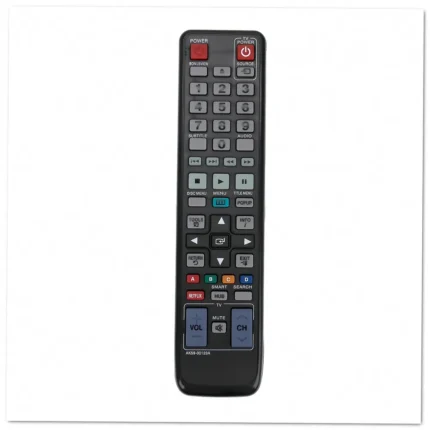
Samsung AK59-00123A Blu-ray DVD Player Remote Control
- Replacement remote: AK59-00123A part number designed for Samsung Blu-ray and DVD players, restoring full functionality to your home entertainment system.
- Works with 13 models: Compatible with BD-D5490, BD-D5500, BD-D5500C, BD-D5700, BD-D6100C, BD-D6500, and more Samsung Blu-ray players.
- Ready to use immediately: No programming or complex setup required—simply insert batteries and start controlling your player right away.
- Matches original layout: Identical button configuration ensures you can navigate menus and playback controls without having to relearn a new interface.
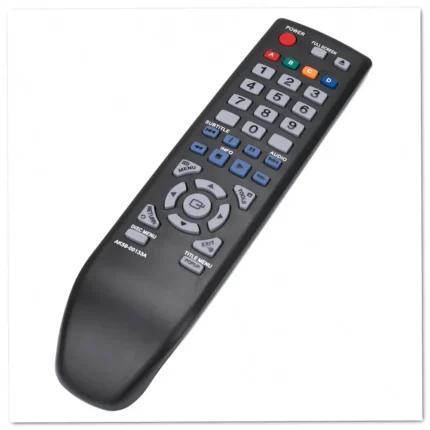

Samsung AK59-00133A Blu-ray Disc Player Remote Replacement
- Replacement remote: AK59-00133A part number designed specifically for Samsung Blu-ray Disc players, restoring full control over playback and menu navigation functions.
- Compatible models: Works seamlessly with Samsung BD-D5100 and other supported Blu-ray players, ensuring reliable operation across multiple devices.
- Ready to use: Simply insert batteries and start controlling your player immediately—no programming, pairing, or technical setup required for operation.
- Complete button set: Features all original functions including play, pause, stop, menu access, navigation arrows, and disc management controls for full operation.


Samsung AK59-00146A Blu-ray Player Remote Replacement
- Direct replacement: AK59-00146A part number for Samsung Blu-ray and DVD players, restoring full functionality to your home entertainment system.
- Covers 11 models: Compatible with BD-E5300, BD-E5400, BD-EM53, BD-EM53C, BD-EM57C, BD-EM59C, and more Samsung players.
- Ready to use: Install fresh batteries and start controlling your Blu-ray player immediately without programming or complex setup procedures.
- Complete button set: All original functions including playback controls, menu navigation, disc operations, and settings access built right in.
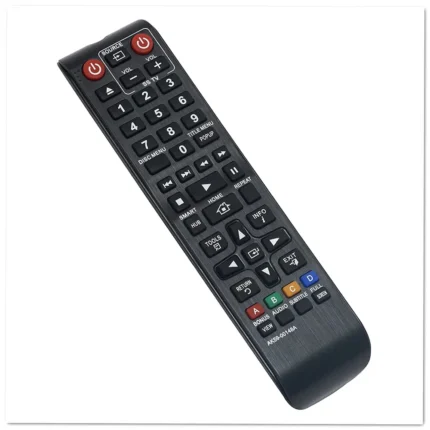
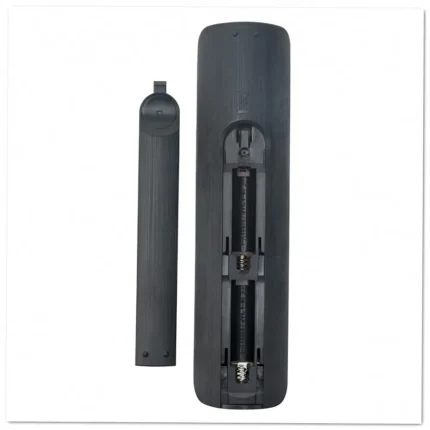
Samsung AK59-00148A Blu-ray DVD Player Remote Control
- Replacement remote: AK59-00148A part number designed for Samsung Blu-ray and DVD players, restoring full functionality to your entertainment system.
- Works with 8 models: Compatible with BD-E5500, BD-E6100, BD-ES6000, BD-ES6000E, and additional Samsung Blu-ray players without configuration.
- Ready to use: Simply insert batteries and start controlling your device immediately—no programming or pairing steps required.
- Complete button layout: All playback, navigation, and menu controls match your original remote's design for intuitive operation.
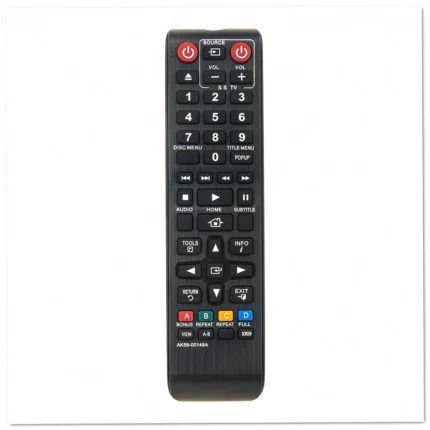

Samsung AK59-00149A Blu-ray Player Remote Replacement
- Replacement remote: AK59-00149A part number for Samsung Blu-ray and DVD players, restoring full control of your entertainment system
- Wide compatibility: Works with 23 Samsung models including BD-ES5000, BD-F5100, BD-F5500, BD-JM51, and BD-J5100 Blu-ray players
- Ready to use: No programming or setup required—simply insert batteries and start controlling your player immediately
- Complete button layout: All essential playback, navigation, and menu controls match your original Samsung remote configuration
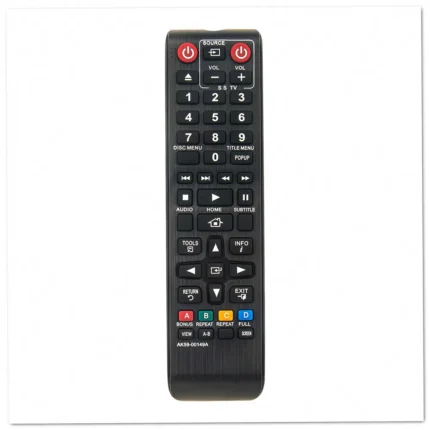
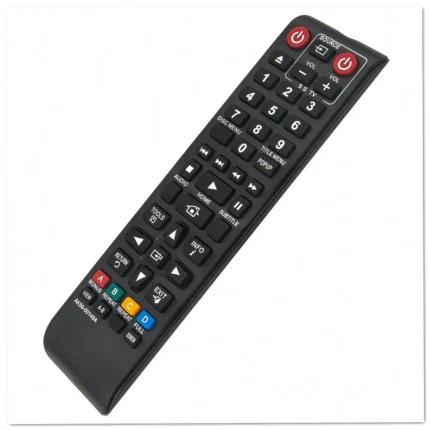
Samsung AK59-00149A Blu-ray Player Remote Replacement
- Replacement remote: AK59-00149A part number designed for Samsung Blu-ray disc players, restoring full control over playback and menu navigation functions.
- Compatible with 23 models: Works with BD-ES5000, BD-ES5300, BD-F5100, BD-F5500, BD-FM51, BD-FM51C, BD-JM51, BD-J5100, and 15 additional Samsung Blu-ray players.
- Ready to use: Install batteries and start controlling your player immediately—no programming or complex setup procedures required.
- Full-function control: Access all playback features, disc menus, smart hub applications, and settings just like your original Samsung remote.
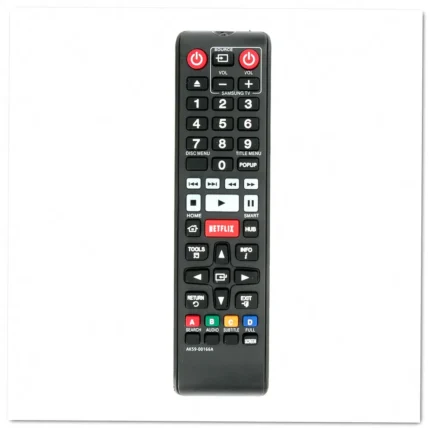
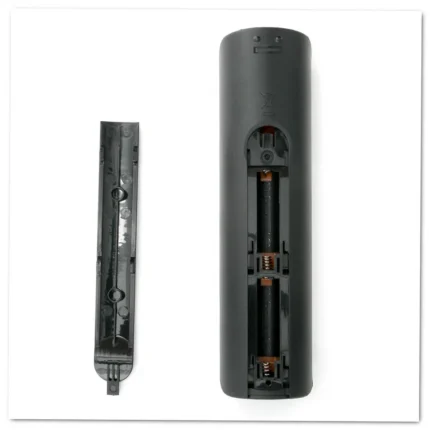
Samsung AK59-00166A Blu-ray Player Remote Replacement
- Replacement remote: AK59-00166A part number for Samsung Blu-ray players, restoring full control over your entertainment system without hassle.
- Compatible with 12 models: Works seamlessly with BD-EM57, BD-EM57C, BD-EM59, BD-EM59C, BD-F7500, BD-FM59, and additional Samsung Blu-ray players.
- Pre-programmed and ready: Insert batteries and start using immediately—no pairing, synchronization, or setup procedures required for instant operation.
- Matches original layout: Identical button configuration and ergonomic design ensure familiar operation from the moment you pick it up.
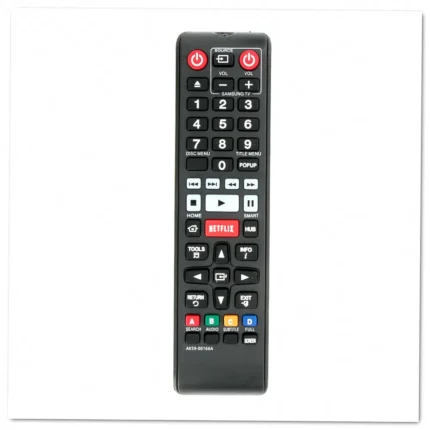
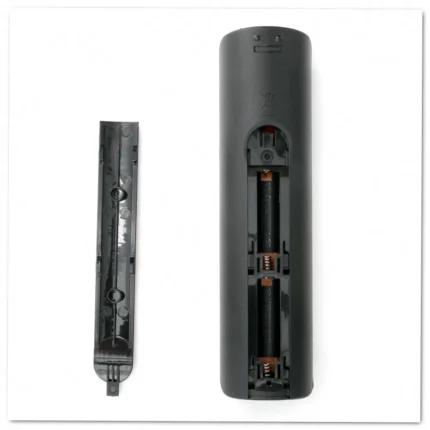
Samsung AK59-00166A Blu-ray Player Remote Replacement
- Replacement remote: AK59-00166A part number designed for Samsung Blu-ray players, restoring full control of your entertainment system without hassle.
- Works with 12 models: Compatible with BD-EM57, BD-EM57C, BD-EM59, BD-EM59C, BD-EM59CZA, BD-EM59ZA, BD-F7500, BD-FM59, and other Samsung Blu-ray players.
- Ready to use: Simply insert batteries and start controlling your device immediately—no programming or complex setup procedures required.
- Matches original layout: Button configuration mirrors your stock remote, ensuring familiar operation and seamless integration with your viewing habits.